Data Encryption: An Essential Guide for Business Owners
20 June 2026
Let’s be honest—data security can sound like a scary topic. With all the stories about cyber attacks, hacking, and identity theft circulating in the news, it almost feels like every business is just one click away from disaster. But here’s the thing: it doesn’t have to be terrifying. In fact, one of the best weapons in your cybersecurity toolbox is something called data encryption.
And no, you don’t need to be a tech wizard to understand or implement it.
In this guide, we’re going to break down what data encryption is, why it matters, and how you (yes, you) can use it to protect your business. Whether you're running a small online store, a startup, or a growing enterprise, this article will arm you with just enough information to be dangerous—in a good way.
What Is Data Encryption, Really?
Let’s strip back the jargon for a second.Imagine sending a postcard through the mail. Anyone handling it along the way—postal workers, neighbors, random coffee shop baristas—can read the message. Not exactly private, right?
Now think about placing that same message in a sealed envelope. Only the person with the key—or in this case, the intended reader—can open and read it. That’s the idea behind encryption.
Data encryption is the act of scrambling information so it becomes unreadable to anyone who doesn’t have the “key” to unscramble it.
Simple, right? But powerful.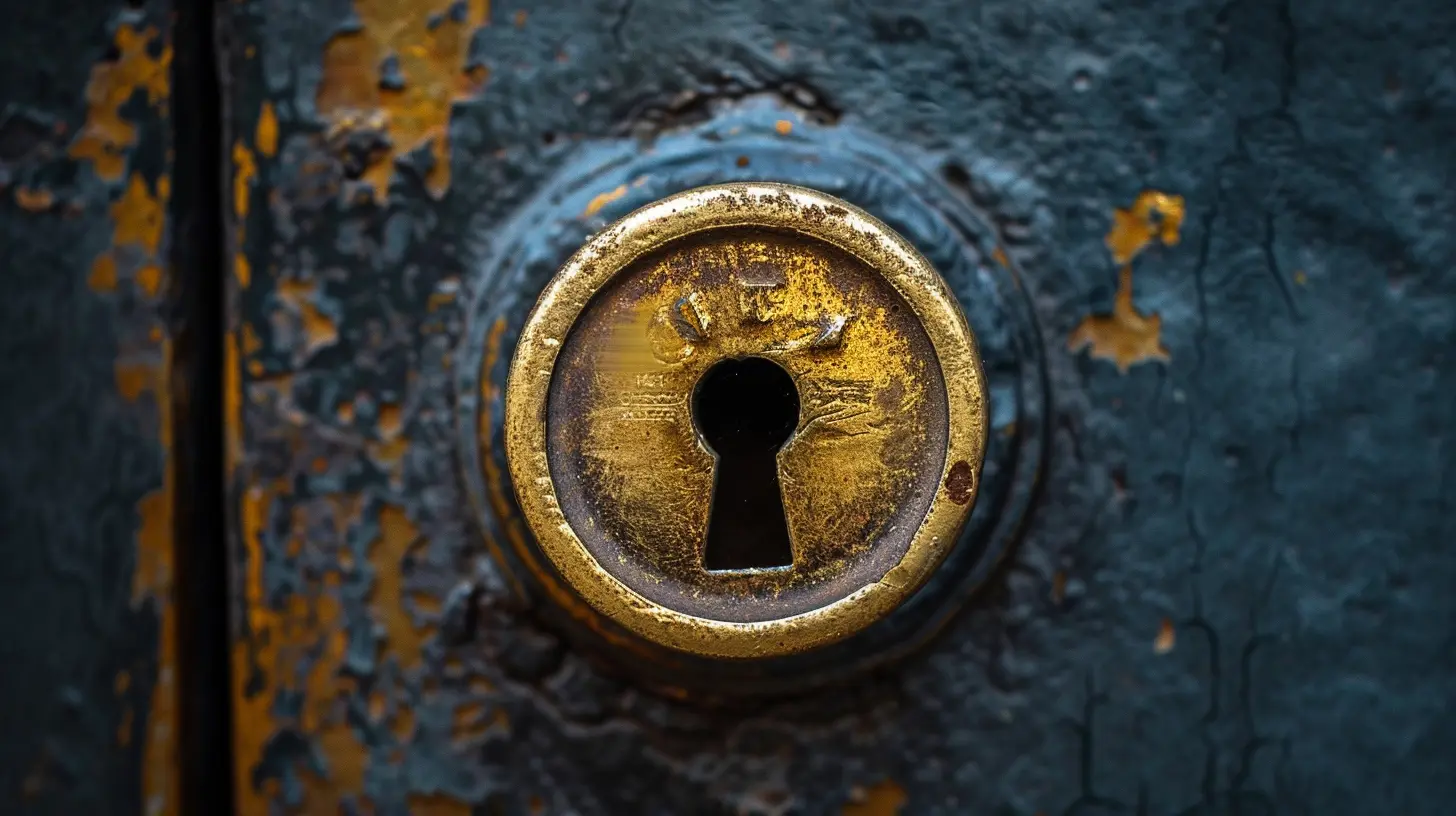
Why Should Business Owners Care About Encryption?
Here’s a better question: why wouldn’t you?Today’s businesses run on data. Customer names, email addresses, payment info, internal documents, sensitive emails—you name it. If even a small fraction of that data falls into the wrong hands, you're not just dealing with a headache. You might be facing lawsuits, fines, loss of customer trust, and a PR disaster.
Still not convinced? Let’s look at a few compelling reasons:
1. Keep Customer Trust
Would you shop with a company that lost your credit card number? Didn’t think so.Encrypting customer data signals that your business takes privacy seriously. It’s not just about compliance—it’s about showing your customers they can trust you.
2. Avoid Legal Trouble
Depending on where you operate, data protection laws like GDPR (Europe), HIPAA (U.S.), and CCPA (California) might require you to encrypt certain types of data. Failing to comply could result in major fines.3. Guard Against Cyber Attacks
Hackers love unencrypted data—it’s like finding a treasure chest already open. Encryption acts like a lock on that chest. Even if someone manages to steal it, they can’t read what’s inside without the key.
How Does Data Encryption Work?
Time to get a bit nerdy, but stay with me.At its core, data encryption uses mathematical algorithms to convert readable data (plaintext) into scrambled nonsense (ciphertext). Only someone with the correct decryption key can turn that nonsense back into something useful.
There are two main types of encryption:
1. Symmetric Encryption
This is the simpler method—just one key is used for both encryption and decryption. Kind of like using the same key to lock and unlock a door. It's fast and efficient, but if someone intercepts that key… well, you’ve got a problem.Common symmetric encryption algorithms:
- AES (Advanced Encryption Standard)
- DES (Data Encryption Standard)
2. Asymmetric Encryption
This one's a bit fancier. You have two keys: a public key to encrypt data and a private key to decrypt it. It's like someone putting a message in a locked box with your public key, but only you (with the private key) can open the box.Common asymmetric encryption methods:
- RSA
- ECC (Elliptic Curve Cryptography)
Security-wise, this is often the go-to method for things like emails, digital signatures, and secure websites (ever noticed that little padlock in your browser bar? That’s encryption at work!).
Real-World Examples of Data Encryption in Action
Sometimes, the best way to understand a concept is to see it in the wild. Let’s look at how businesses (big and small) are using encryption:E-Commerce Sites
Online stores encrypt payment info using SSL/TLS certificates. When you type in your credit card number, it’s instantly encrypted so no one can snoop on it during transmission.Cloud Storage
Services like Google Drive, Dropbox, and iCloud encrypt files both when they’re being sent (in transit) and while they’re stored (at rest). That way, even if someone hacks the server, they can’t read your data.Messaging Apps
Apps like WhatsApp and Signal use end-to-end encryption. That means only the sender and receiver can read the messages—not even the app provider can peek in.How Can You Start Using Data Encryption in Your Business?
You don’t need to hire an IT department or spend a fortune. Many encryption tools are built into the systems you already use—or they’re just one app away.1. Encrypt Devices
Laptops, smartphones, and desktops all store sensitive data. Use full-disk encryption tools like:- BitLocker (Windows)
- FileVault (Mac)
- Android’s built-in encryption
- iOS encryption (automatic)
This ensures that even if a device gets stolen, the data inside remains locked up like Fort Knox.
2. Use Encrypted Emails
Not all emails are created equal. Sensitive business info shouldn’t be flying around unprotected.Look into services like:
- ProtonMail
- Tutanota
- Gmail Confidential Mode
- Outlook Message Encryption
3. Secure Your Website
If you haven’t already, get an SSL certificate for your site. It’s a simple upgrade that encrypts data exchanged between your site and your visitors. Plus, Google loves secure sites—hello, SEO boost!4. Encrypt Cloud Storage
If your data lives in the cloud (and whose doesn’t?), make sure it’s encrypted. Most major providers already do this, but double-check just in case.You can also use third-party tools like:
- Boxcryptor
- Cryptomator
5. Train Your Team
Human error is the weakest link in any security chain.Teach your team:
- How to recognize phishing attempts
- Why strong passwords matter
- How to handle sensitive data responsibly
A little awareness goes a long way.
Common Encryption Mistakes to Avoid
Encryption isn’t a "set it and forget it" deal. Business owners often fall into these sneaky traps:Using Weak Passwords or Keys
Strong encryption is useless if your password is “password123.” Make sure your credentials are long, complex, and changed regularly.Only Encrypting Some Data
Don’t just encrypt emails and leave your files unprotected. A holistic approach keeps everything secure.Forgetting About Backups
Encrypted data is great—unless you lose the key. Always keep secure, encrypted backups of your encrypted files. Sounds funny, but it could save your business.Encryption Myths That Need Busting
Let’s shine a light on some common myths floating around:“Encryption is only for big companies.”
False. Even a small business with 10 customers collects valuable data. Hackers don't discriminate—they go after easy targets. Encryption raises your defenses.“It’s too complicated.”
It used to be. Now, most tools are plug-and-play. If you can install an app, you can encrypt your data.“I don’t store sensitive data.”
Chances are you do. Customer emails? Financial records? Employee details? It's all sensitive. Better safe than sorry.The Future of Encryption
As cyber threats evolve, so does encryption technology.One buzzword you’ll hear a lot? Quantum encryption. The idea is that future supercomputers might be powerful enough to crack today’s encryption. So researchers are racing to build encryption methods that even quantum computers can’t break.
It’s still in the early stages, but it’s a reminder: encryption isn't just a one-time fix—it's an ongoing journey. And the earlier you start, the better protected you'll be.
Final Thoughts: Don't Wait for a Wake-Up Call
At the end of the day, encryption isn't about paranoia—it’s about peace of mind. It’s like locking your front door at night. You hope no one tries to break in, but you sleep better knowing they can’t just waltz through.Businesses of all sizes are under digital threat every single day. Encryption is one of the simplest, most effective ways to stand your ground and take ownership of your data security.
So take a deep breath, pick one of the tips above, and get started. One small step today can stop a whole world of trouble tomorrow.
all images in this post were generated using AI tools
Category:
CybersecurityAuthor:

Remington McClain
Discussion
rate this article
1 comments
Rory McDermott
This article highlights the critical importance of data encryption for businesses today. With cyber threats on the rise, safeguarding sensitive information isn't just a choice; it's a necessity. Implementing robust encryption strategies can protect your business and build trust with customers. It's time to prioritize data security.
June 26, 2026 at 3:01 AM
Remington McClain
I appreciate your insights. Data encryption is indeed vital for protecting information and maintaining customer trust. It's crucial that businesses take this seriously.