How to Optimize Office Space to Reduce Overhead
14 January 2026
Running a business is all about balance—managing growth, team dynamics, and of course, the bottom line. One key area where you can slice costs without sacrificing productivity? Your office space. Yep, that physical (or hybrid) environment your team works from every day could be padding your overhead more than you realize.
Think about it: Are you paying for unused offices, outdated tech setups, or oversized conference rooms that host meetings once in a blue moon? If so, it’s time to rethink and redesign your workspace for better efficiency and cost-savings.
Let’s dive into some smart, practical ways to optimize your office space and cut down on unnecessary expenses, all while keeping your team happy and productive.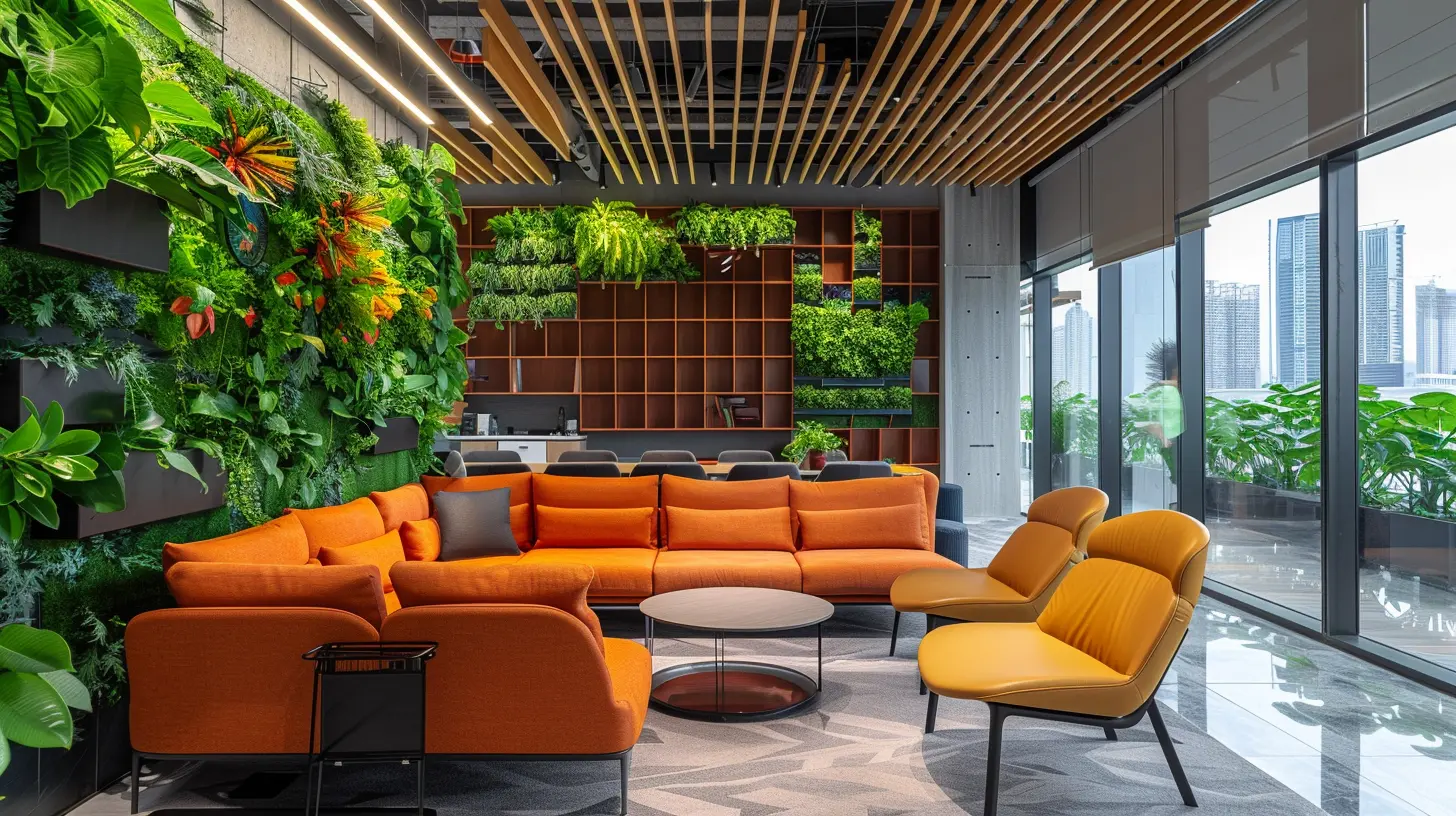
Why Optimizing Office Space Matters
Before we get into the "how," let’s quickly talk about the "why."Office space represents a big chunk of operating costs for most businesses. Rent, utilities, cleaning services, furniture, tech setups—it all adds up faster than your Monday morning coffee tab.
But here’s the kicker: Studies show that around 40-60% of office space is unused at any given time. So essentially, many businesses are paying premium dollars for square footage that’s just gathering dust.
Optimizing your office space isn’t just about saving money either. It’s about creating a smarter, more flexible environment where your team can thrive. A well-designed office can boost morale, encourage collaboration, and even attract top talent.
Step 1: Audit Your Current Space Usage
Alright, first things first: you can’t fix what you don’t measure.Take a good, hard look at how your current space is being used. Are there empty desks? Meeting rooms booked but rarely occupied? Team members working remotely most days?
Try these steps:
- Conduct a walk-through audit during different times of the day.
- Use space utilization tools or room booking analytics to track occupancy.
- Survey your employees about their usage patterns and workspace needs.
You’d be surprised at how much insight you’ll get just by walking the floor and asking a few questions.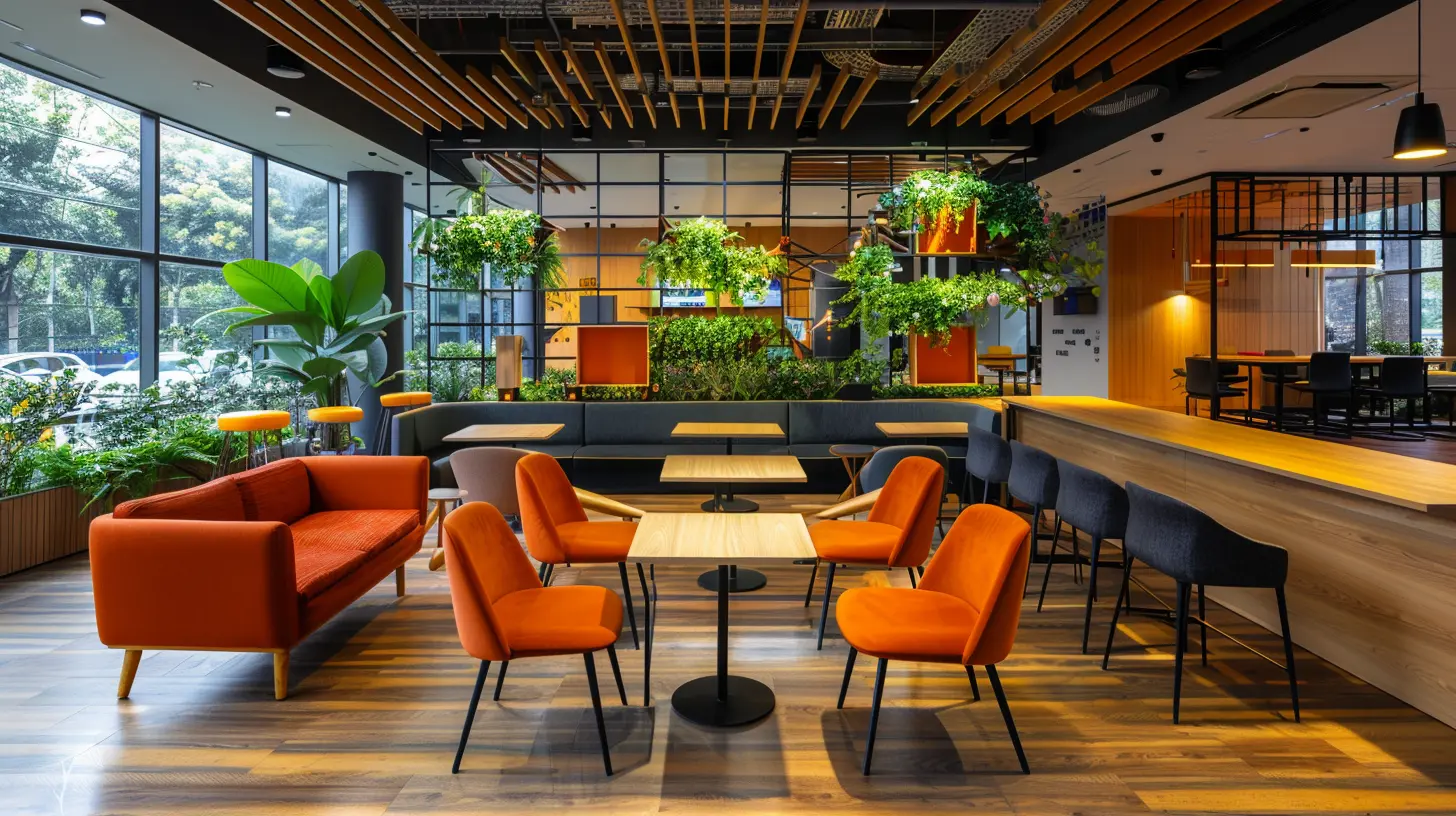
Step 2: Embrace Flexible Work Arrangements
Let’s face it: the traditional 9-to-5, desk-bound model is falling out of favor faster than flip phones.Many companies are shifting to hybrid or remote-first setups. If your business is already embracing flexible work, you might be sitting on a goldmine of unused space.
Here’s what you can do:
- Introduce hot-desking or hoteling systems so employees can book desks when they’re in the office.
- Create shared collaborative zones instead of having individual workstations for everyone.
- Convert underutilized private offices into team huddle spots, quiet zones, or breakout areas.
This way, your office caters to actual usage rather than outdated habits.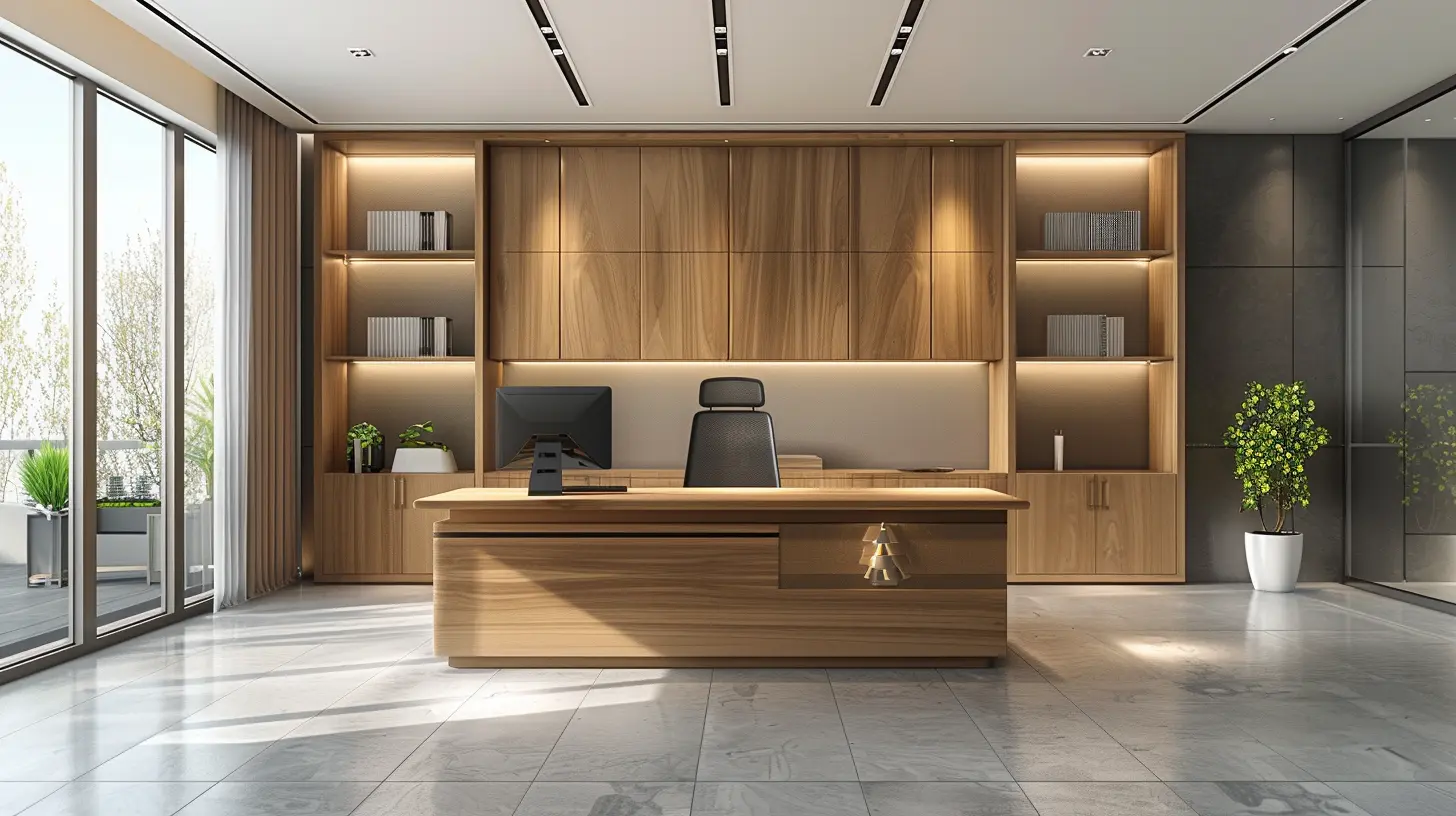
Step 3: Go Paperless (Or At Least Paper-Lite)
Those towering file cabinets and rows of printers? They’re taking up prime real estate.Switching to digital document management can drastically reduce your need for storage—and save trees while you’re at it.
Here’s how:
- Invest in cloud storage systems like Google Drive, Dropbox, or Microsoft OneDrive.
- Use digital signature tools to eliminate the need for printed contracts.
- Encourage scanning and shredding of old documents that don’t require hard copies.
Less paper = less storage space = lower overhead. Simple math.
Step 4: Downsize or Reconfigure Furniture
Oversized desks, bulky file cabinets, and heavy tables can make your office feel cramped and outdated—not to mention cost you more in maintenance and floor space.Consider this:
- Switch to modular furniture that can be rearranged based on your team’s needs.
- Choose space-saving designs like wall-mounted desks or stackable chairs.
- Go ergonomic but compact—you don’t need massive chairs to keep employees comfy.
Modern, minimalist furniture not only frees up space but also makes your office feel more open and inviting.
Step 5: Consider a Smaller Footprint
This one’s a biggie. If you’ve done all the above and still find that you're only using half your space, it may be time to downsize.Don’t panic—this doesn’t mean compromising on quality. Many businesses are finding success by:
- Subleasing part of their current space.
- Moving to coworking spaces for their hybrid teams.
- Relocating to areas with lower rent or sharing space with another company.
The goal is to pay for the space you use, not the space you "might need someday."
Step 6: Make Tech Work for You
Smart tech isn’t just for Silicon Valley giants. Even smaller businesses can leverage technology to create a lean, efficient workspace.Here’s how:
- Use booking software for meeting rooms and desks—this reduces wasted space.
- Install motion-sensor lighting and smart thermostats to slash utility costs.
- Try remote collaboration tools like Zoom, Slack, and Trello to reduce the need for in-person meetings.
The right tech can transform how your team uses the office—making it smarter, not bigger.
Step 7: Design for Multi-Use
Every square foot should earn its keep. That oversized conference room that gets used once a week? Make it pull double or triple duty.Think versatility:
- Use folding walls or partitions to divide spaces on demand.
- Install stackable furniture or collapsible tables so rooms can easily switch functions.
- Transform open areas into dual-use spaces, like a lunch room that doubles as an event zone or training area.
It’s like turning your office into a Swiss Army knife—compact, useful, and efficient.
Step 8: Reevaluate Amenities and Perks
We all love a fancy coffee machine and nap pods, but are they really worth the square footage if no one uses them?Take stock of amenities:
- Are your break rooms too big? Consider scaling them down if your team eats out or works remotely.
- Do you have underused lounges or game rooms? Repurpose them into practical meeting or work areas.
- Is your kitchenette oversized? Modern, compact solutions work just as well with less space.
The goal isn’t to strip down the fun stuff—it’s to make sure every perk is pulling its weight.
Step 9: Encourage a Culture of Efficiency
Lastly, optimizing office space isn’t just about the physical layout—it’s about how your team thinks and works.Foster a mindset of flexibility and efficiency by:
- Encouraging clean desks and minimalism.
- Promoting shared ownership of spaces, rather than territorial claims.
- Offering incentives for using remote tools and reducing office time when unnecessary.
It takes some time, but once your team buys in, the shift toward a leaner workspace becomes part of your company culture.
Quick Wins to Start Today
Feeling a little overwhelmed? Don’t worry—you don’t have to do a full office overhaul overnight.Here are some easy wins to get the ball rolling:
1. Remove unused desks or bulky furniture.
2. Convert a rarely used room into a multipurpose area.
3. Set up a hot-desk system with a Google Sheet or room booking app.
4. Encourage digital documentation for all departments.
5. Repaint or redecorate to make existing space feel fresh and functional.
Tiny changes add up faster than you think.
Final Thoughts
Optimizing your office space is more than just a way to save money—it’s an opportunity to rethink how your team works, collaborates, and grows. By embracing flexibility, using tech smartly, and designing spaces that actually serve your needs, you can cut down on overhead while boosting morale and productivity.Remember: less space doesn’t mean less impact. Sometimes, a lean office is the smartest move a business can make.
So take a look around your office today. What can you reimagine, repurpose, or remove? Your bottom line (and your team) will thank you.
all images in this post were generated using AI tools
Category:
Cost ManagementAuthor:

Remington McClain
Discussion
rate this article
2 comments
Brooke Banks
Optimizing office space is essential for creating a more efficient and collaborative environment. As businesses navigate these changes, it's important to remember that every team member’s comfort and well-being matter. Thoughtful adjustments can lead to increased productivity and a positive workplace atmosphere.
February 27, 2026 at 3:28 AM
Remington McClain
Absolutely! Prioritizing comfort and collaboration in office design can significantly enhance productivity while minimizing overhead costs. Thoughtful space optimization is key.
Kirk Barrett
Great insights on optimizing office space! Consider incorporating flexible work arrangements and multifunctional areas to maximize efficiency. Utilizing technology for real-time space management can further enhance productivity. It's essential to continually assess employee needs to create a supportive and cost-effective work environment.
January 14, 2026 at 11:21 AM
Remington McClain
Thank you for your valuable suggestions! Incorporating flexible work arrangements and technology for space management are crucial strategies for optimizing office space and enhancing productivity.