How to Optimize Your SaaS Business for Mobile Users
7 March 2026
Mobile usage is booming like never before. If your SaaS product isn’t tuned for mobile users, you’re probably leaving money on the table—and no business wants that. With smartphones practically glued to people’s hands 24/7, optimizing your SaaS business for mobile isn’t just a nice-to-have anymore... it’s a make-or-break move.
In this article, we’re diving deep into how to effectively adapt your SaaS solution for mobile users. From user experience to performance optimization and all the little details in between, we’re covering it all. So grab a coffee, and let’s get into it.
Why Mobile Optimization for SaaS Really Matters
Let’s start by stating the obvious: Mobile users are taking over.According to recent studies, more than 60% of web traffic comes from mobile devices. That number only continues to rise. If your SaaS isn’t mobile-friendly, you're not just missing out—you’re actively frustrating potential users.
Now, think about this: when was the last time you opened your laptop to check a notification from an app or approve something quick? Chances are, you reached for your phone. That’s your user’s default behavior, too.
So here’s the million-dollar question: Is your SaaS product ready for that?
Step 1: Embrace Mobile-First Design
Designing for desktop and “shrinking down” for mobile doesn’t cut it anymore. That’s where mobile-first design comes in.What Is Mobile-First Design?
It’s exactly what it sounds like—designing for smaller screens first, and then scaling up for larger ones. This strategy ensures the most critical features are accessible on mobile, making the user experience seamless and intuitive.Best Practices for Mobile-First Design
- Responsive Layouts: Use fluid grids and flexible images that adjust based on screen size.- Simplified Navigation: Replace complex menus with hamburger icons or bottom navigation bars.
- Thumb-Friendly Interaction: Make buttons big enough to tap easily. Nobody likes accidentally clicking the wrong link.
- Content Prioritization: Show essential information first. Don’t make users scroll for miles to get what they need.
Takeaway? Less is more. Keep it clean, functional, and focused.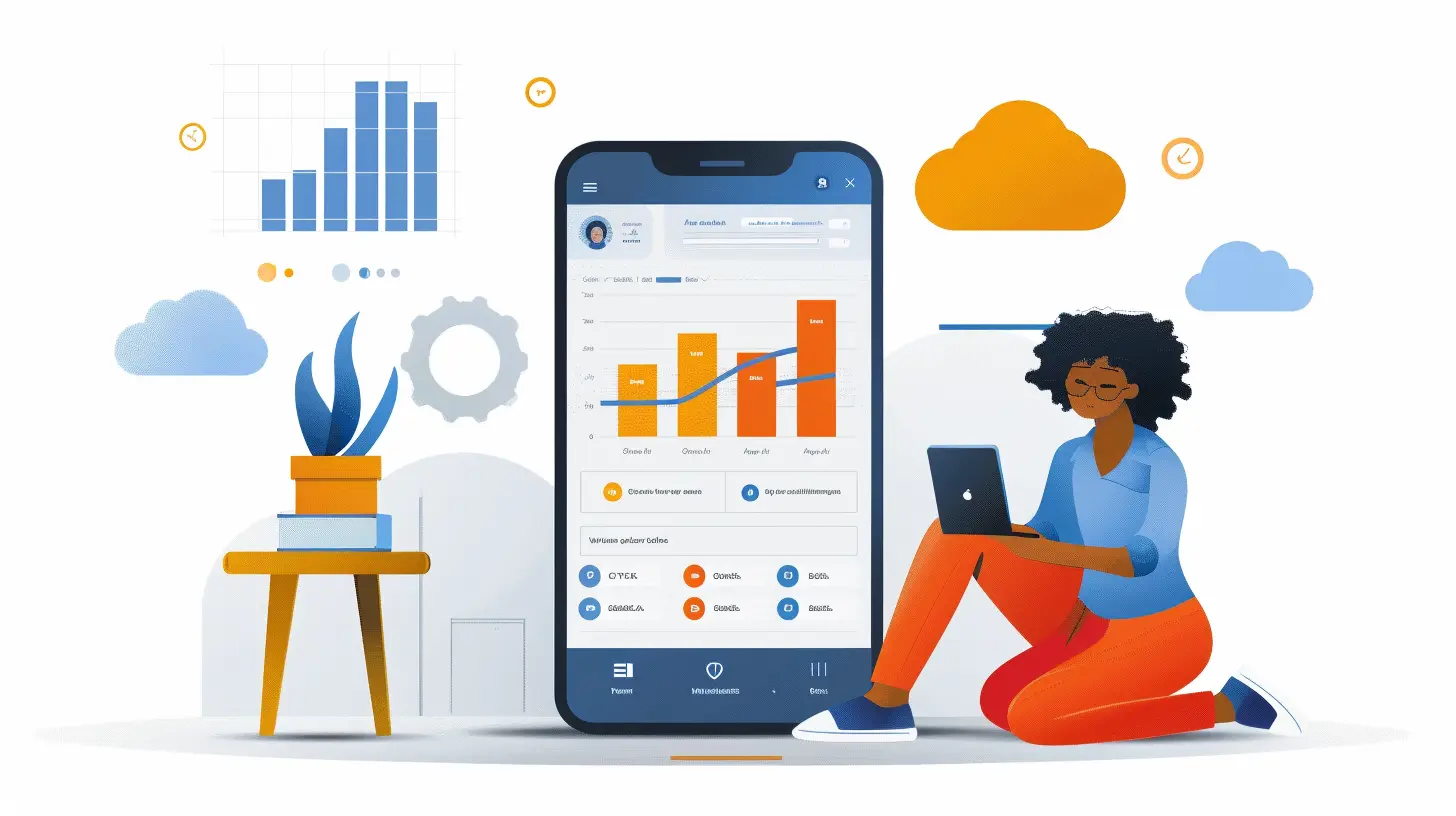
Step 2: Optimize Performance and Speed
Mobile users are impatient. Let’s be real—if your app or site takes more than a couple of seconds to load, users will bounce faster than a rubber ball.How to Boost Mobile Performance
- Use a Content Delivery Network (CDN) to serve content closer to the user’s location.- Compress Images and Assets to reduce file sizes without compromising quality.
- Minify JavaScript, CSS, and HTML to strip away unnecessary characters and speed things up.
- Leverage Lazy Loading for hefty content like images or videos. Load them only when needed.
- Implement Browser Caching so frequent users enjoy faster experiences.
You don’t need to be a tech wizard to get this done, but working with your dev team (or hiring one) is key here.
Step 3: Streamline the User Experience (UX)
Imagine trying to sign up for a service on your phone, only to get stuck on a form that’s a nightmare to fill out. Annoying, right? Don’t be that SaaS.Tips to Improve Mobile UX
- Reduce Form Fields: Ask only for what’s essential. You can collect more info later.- Enable Autofill and Auto-Detect: Make use of mobile browser features to reduce typing.
- Clear Call-to-Actions (CTAs): Buttons should stand out and make it clear what happens next.
- Use Friendly Error Messages: Don’t just say “Invalid input.” Tell the user what went wrong and how to fix it.
Think of your app as a friendly guide—not a tricky puzzle.
Step 4: Offer Mobile-Friendly Support
Support shouldn’t suffer just because someone’s on a smaller screen.How to Support Mobile Users Effectively
- Live Chat Integration: Users need to reach out on the go, and chatbots or live agents that work well on mobile make a big difference.- Mobile-Optimized Help Center: Your FAQ and documentation should be searchable, readable, and navigable on a phone.
- In-App Guidance: Tooltips and walkthroughs directly inside the app help reduce friction for new users.
If users can solve problems quickly on mobile, they’re much more likely to stick around.
Step 5: Cater to Mobile-First Marketing Strategies
Marketing to mobile users is a whole different ball game. What works on desktop might flop on mobile.Mobile Marketing Tactics for SaaS
- Mobile-Friendly Emails: Use responsive email templates with short subject lines and eye-catching CTAs.- Push Notifications: These can be super effective if you don’t overdo it. Keep messages timely and relevant.
- SMS Alerts: For critical updates, text messages are direct and attention-grabbing.
- Social Media Ads: Platforms like Instagram and TikTok are mobile-first by design. Use them to promote app features or updates.
You want to show up where users already are—and that’s on their phones.
Step 6: Build a Mobile App (If It Makes Sense)
Not every SaaS needs a dedicated mobile app, but for some, it can take the user experience to another level.Questions to Ask Before Developing a Mobile App
- Do your users need real-time access when away from a desktop?- Is push notification functionality critical?
- Are users performing tasks that involve background syncing, location tracking, or offline features?
If you answered "yes" to one or more, then yep—it’s time to invest in a mobile app.
Remember, an app isn’t just a smaller version of your platform. It should be designed with a focused, streamlined feature set tailored for mobile behavior.
Step 7: Test, Test, And Then Test Again
You can’t optimize what you don’t measure. Testing is your best friend when it comes to mobile strategy.Tools to Use
- Google Mobile-Friendly Test: Quick check to see if your site plays nice with phones.- PageSpeed Insights: Analyze load times and get actionable suggestions for improvement.
- A/B Testing Tools: Platforms like VWO or Optimizely let you experiment with buttons, layouts, and features.
- Heatmaps and Session Recordings: Use tools like Hotjar or Crazy Egg to see how users interact with your mobile interface.
Testing helps you figure out what’s working and what’s not—and that’s priceless insight.
Step 8: Don’t Forget Mobile SEO
Yup, mobile optimization goes beyond just how things look and work. Search engines care about mobile too—big time.Key Mobile SEO Tactics
- Responsive Design: Google ranks mobile-responsive sites higher in mobile search results.- Mobile-Optimized Content: Use shorter paragraphs, bullet points, and headers to make scanning easier.
- Local SEO: If your SaaS serves a specific region, make sure your business is listed on Google My Business.
- Structured Data Markup: This helps search engines understand your mobile pages better.
Ranking higher in mobile search = more visibility = more users. Simple math.
Step 9: Keep Accessibility in Mind
Optimizing for mobile isn’t just about convenience—it’s also about inclusivity.Accessibility Tips
- Use High Contrast Colors: Make sure text is readable against backgrounds.- Ensure Tap Targets Are Large Enough: Small buttons are hard to press for users with motor disabilities.
- Add Alt Text to Images: Helps users with screen readers understand visual content.
- Don’t Rely on Color Alone: Important information should be conveyed through text or labels too.
Your SaaS should work for everyone, regardless of their abilities or how they access your product.
Final Thoughts
Optimizing your SaaS business for mobile users isn't just another box to tick. It's an ongoing, evolving strategy that can reshape how users interact with your product.In today’s mobile-driven world, those tiny screens hold massive potential. The more effort you put into serving mobile users, the more likely it is that you'll see better engagement, higher retention, and stronger growth.
So start small. Test a feature. Rework one screen. Improve one interaction. Over time, these little changes compound into a massive impact.
Let your SaaS product feel like it was made for mobile—because in many ways, it should be.
all images in this post were generated using AI tools
Category:
Saas BusinessAuthor:

Remington McClain
Discussion
rate this article
2 comments
Mae Simmons
Great insights on mobile optimization! Emphasizing user experience and responsiveness is crucial for SaaS businesses. Implementing these strategies can significantly enhance customer engagement and retention.
April 3, 2026 at 2:28 AM
Remington McClain
Thanks for your thoughts! User experience is definitely key for SaaS, and optimizing for mobile can make a big difference.
Vance McCartney
To truly optimize your SaaS business for mobile users, prioritize responsive design, ensure seamless navigation, and enhance loading speeds. Embrace user feedback to drive continuous improvement—mobile is not just a trend; it’s essential for growth and user satisfaction.
March 10, 2026 at 3:44 AM
Remington McClain
Great points! Prioritizing responsive design and user feedback is crucial for enhancing mobile experience and driving growth. Thank you for sharing!